Everything in one workspace
Eight tools your team already juggles. Now they talk to each other.
A goal counts its own progress from deals won. A follow-up shows up on Today. An expense knows which event it paid for.
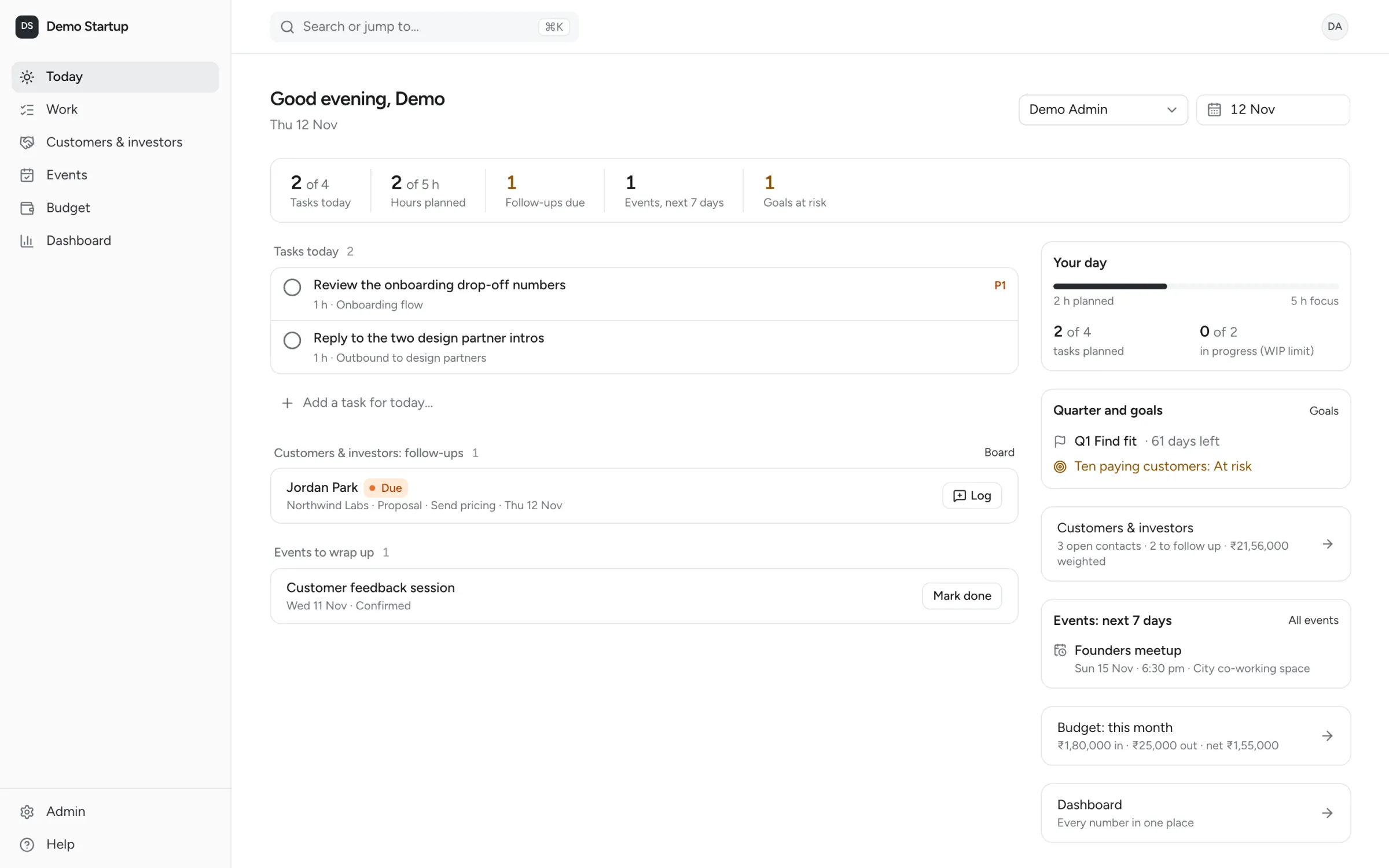
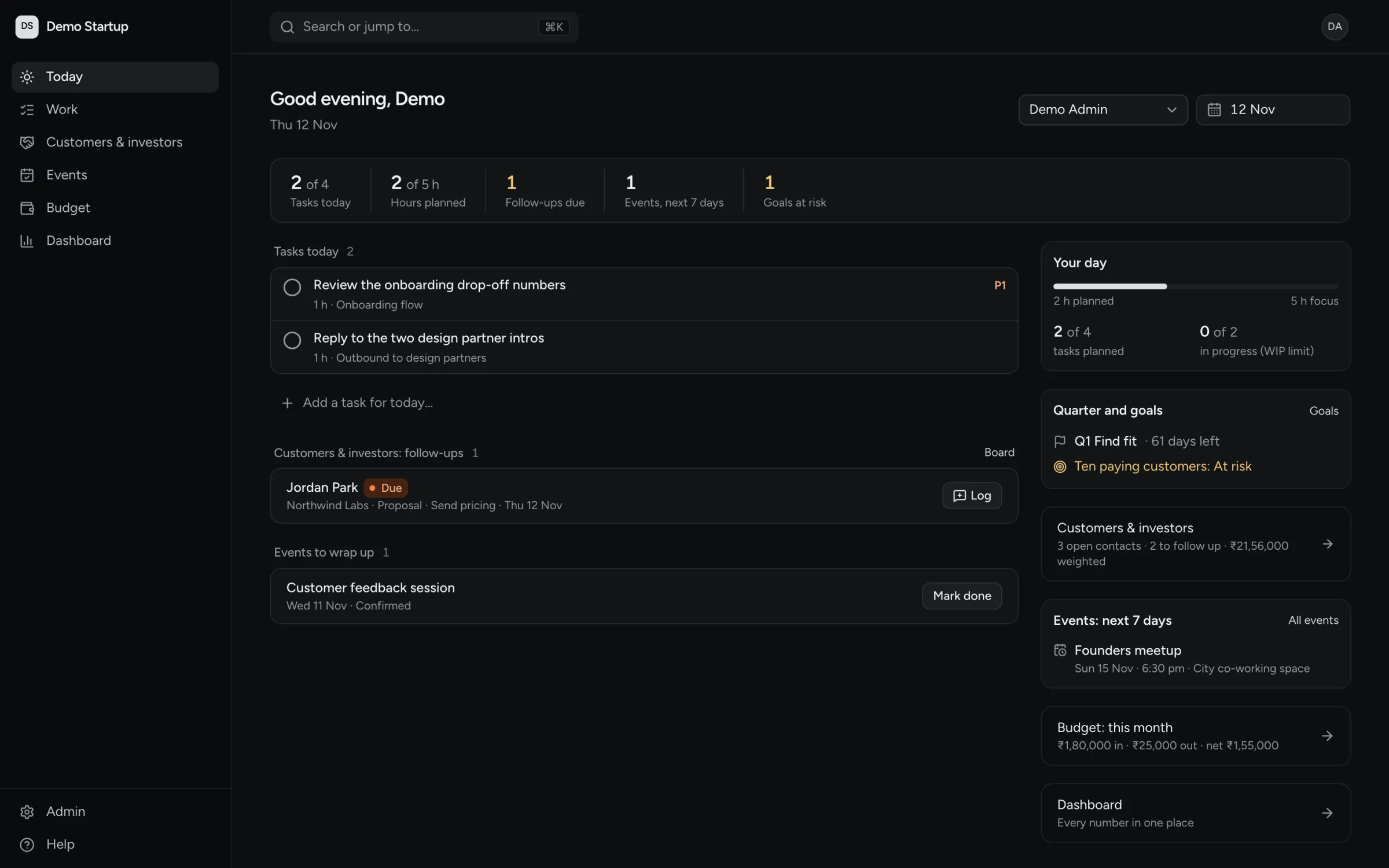
Today
What needs you, every morning
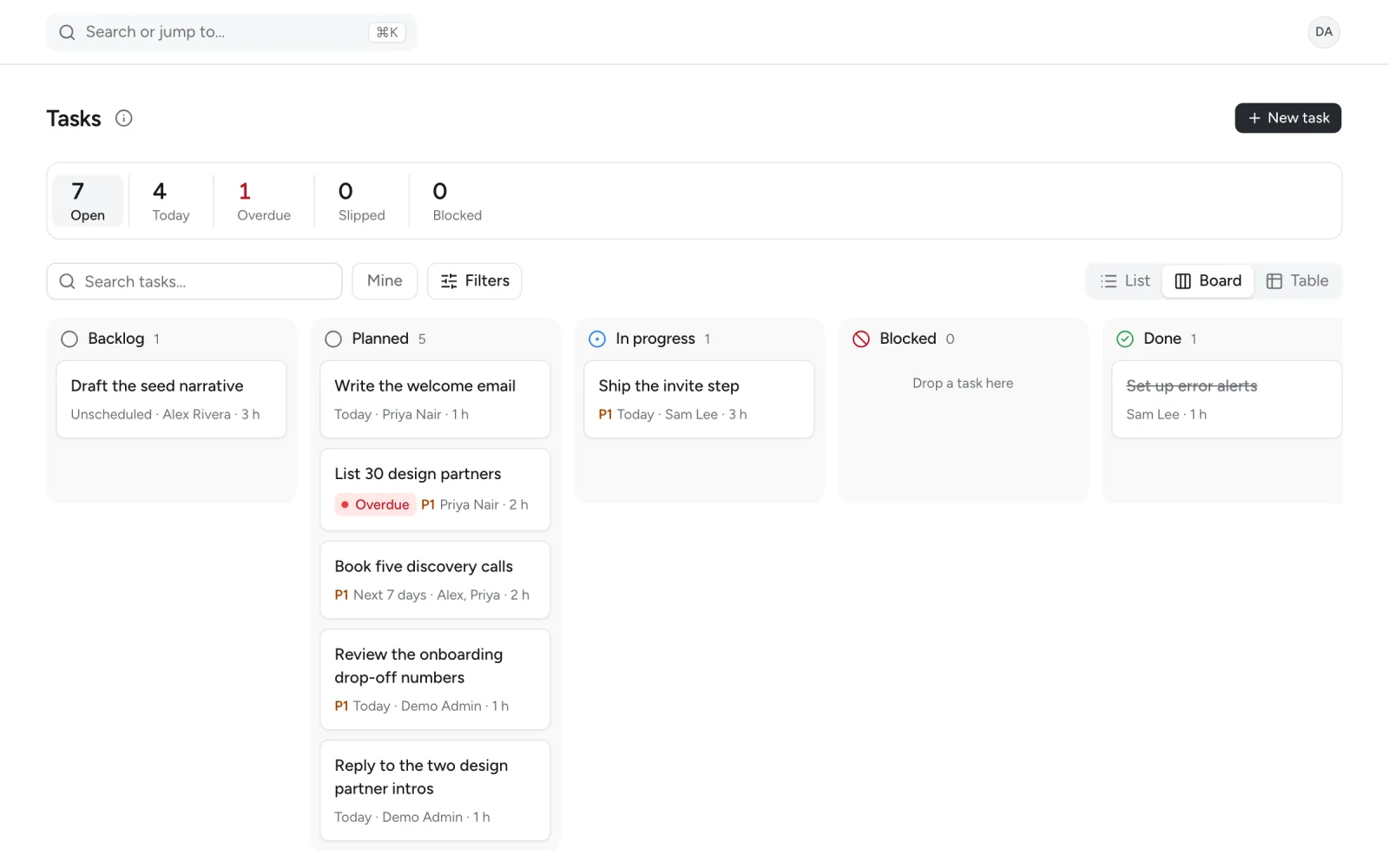
Plan
Goals, projects and tasks
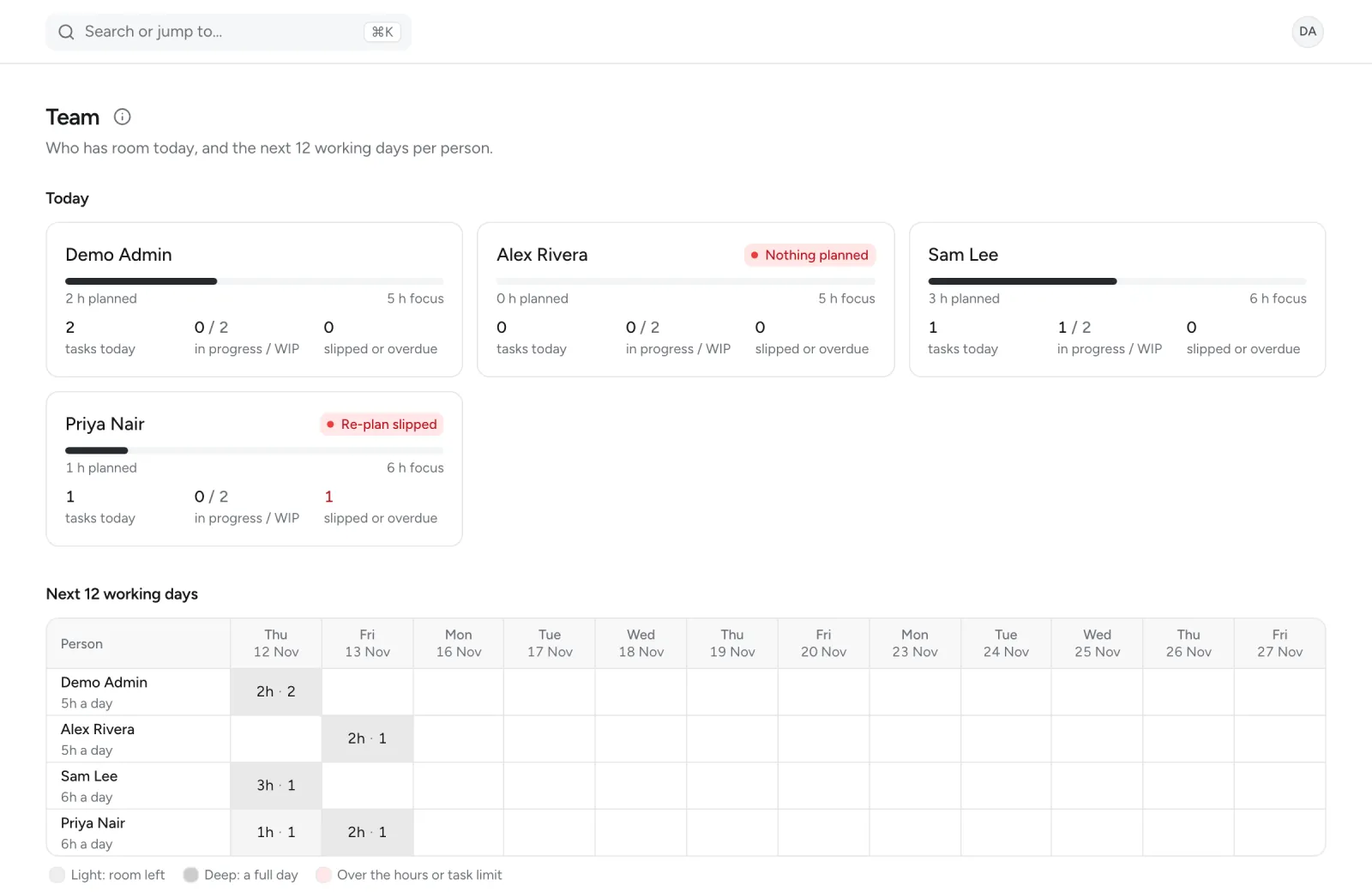
Team
Who has room this week
Pipeline
Customers, sponsors, partners
Events
Launches, meetups, seminars
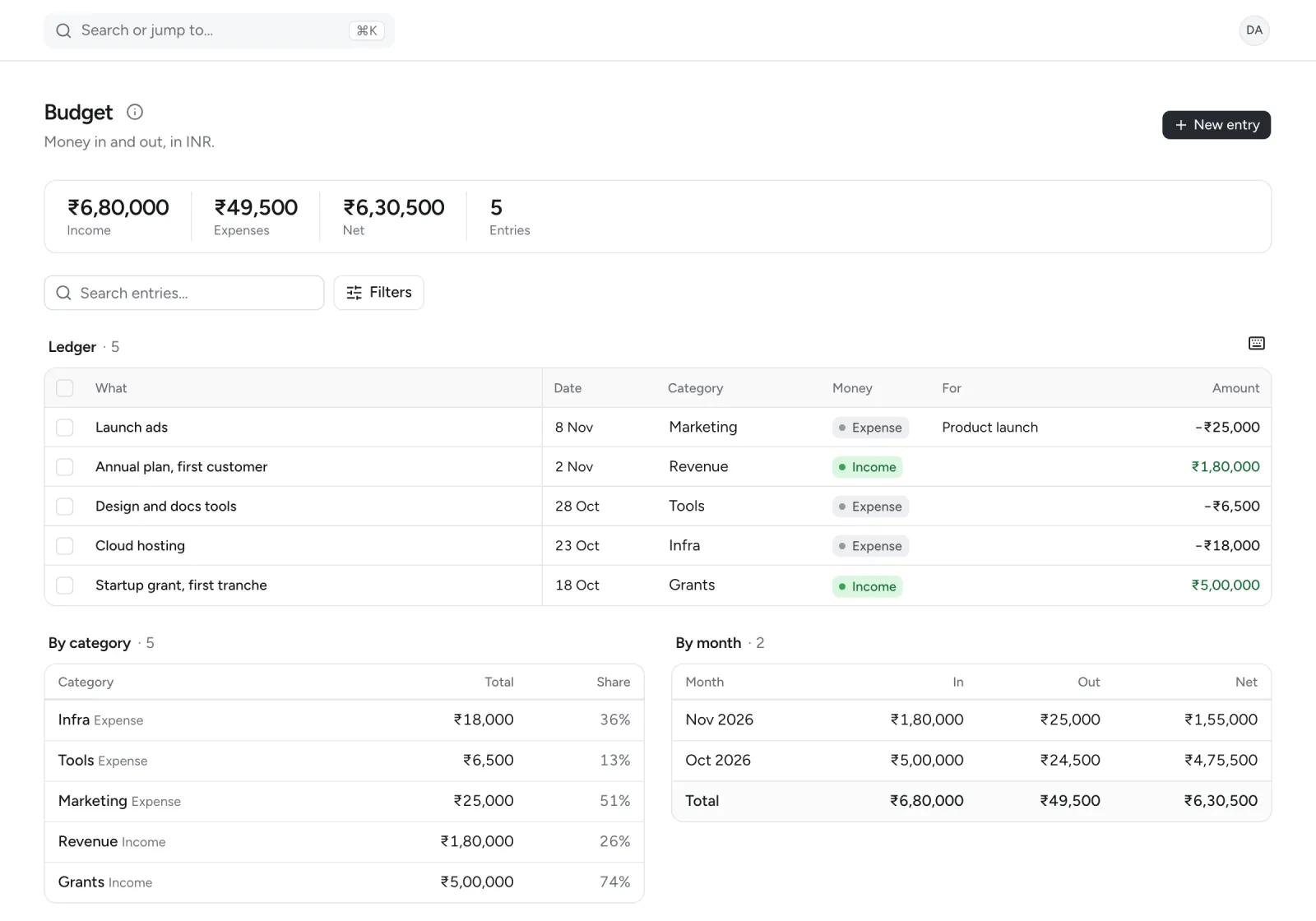
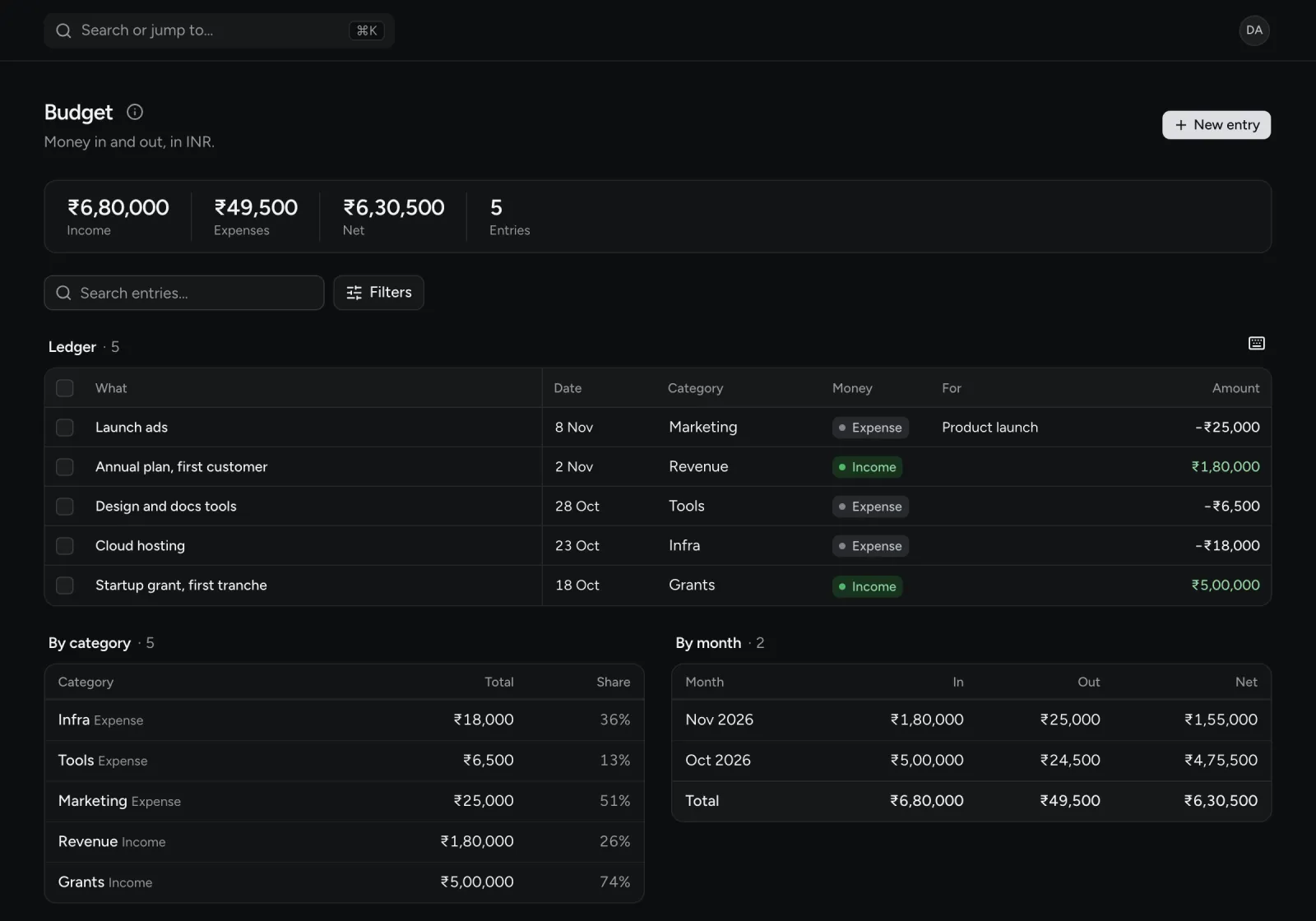
Budget
Money in and out
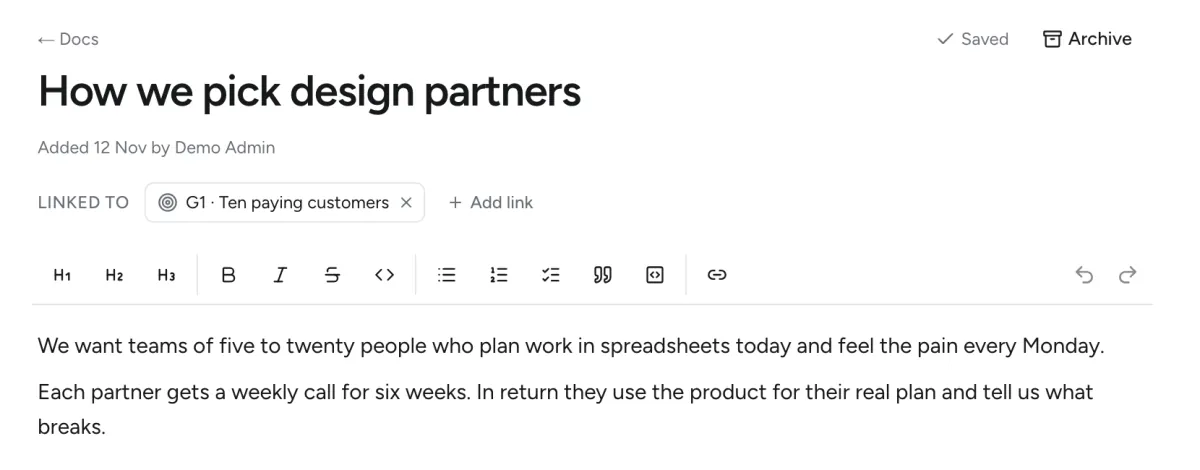
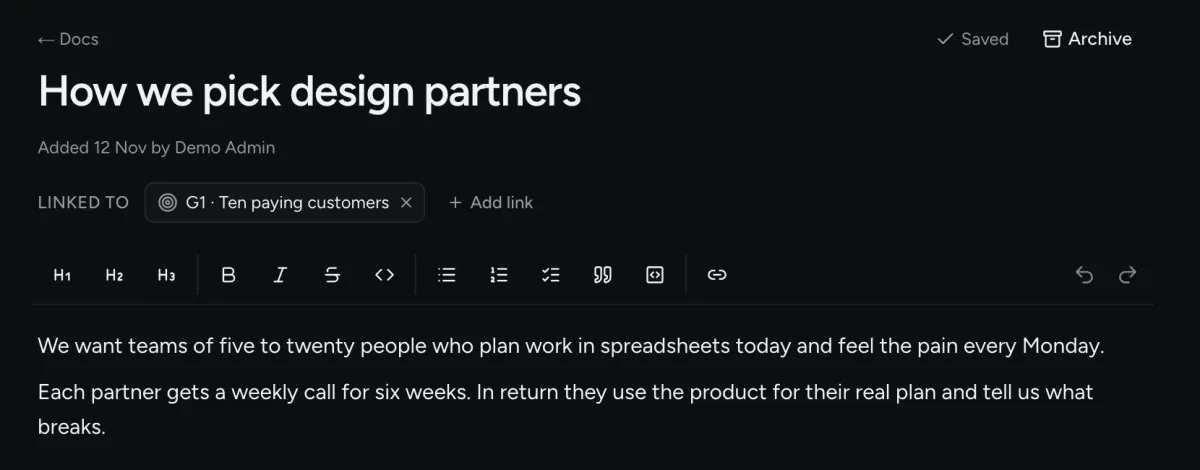
Docs
Notes linked to the work
Dashboard
Every number at a glance
Product tour
See it in action
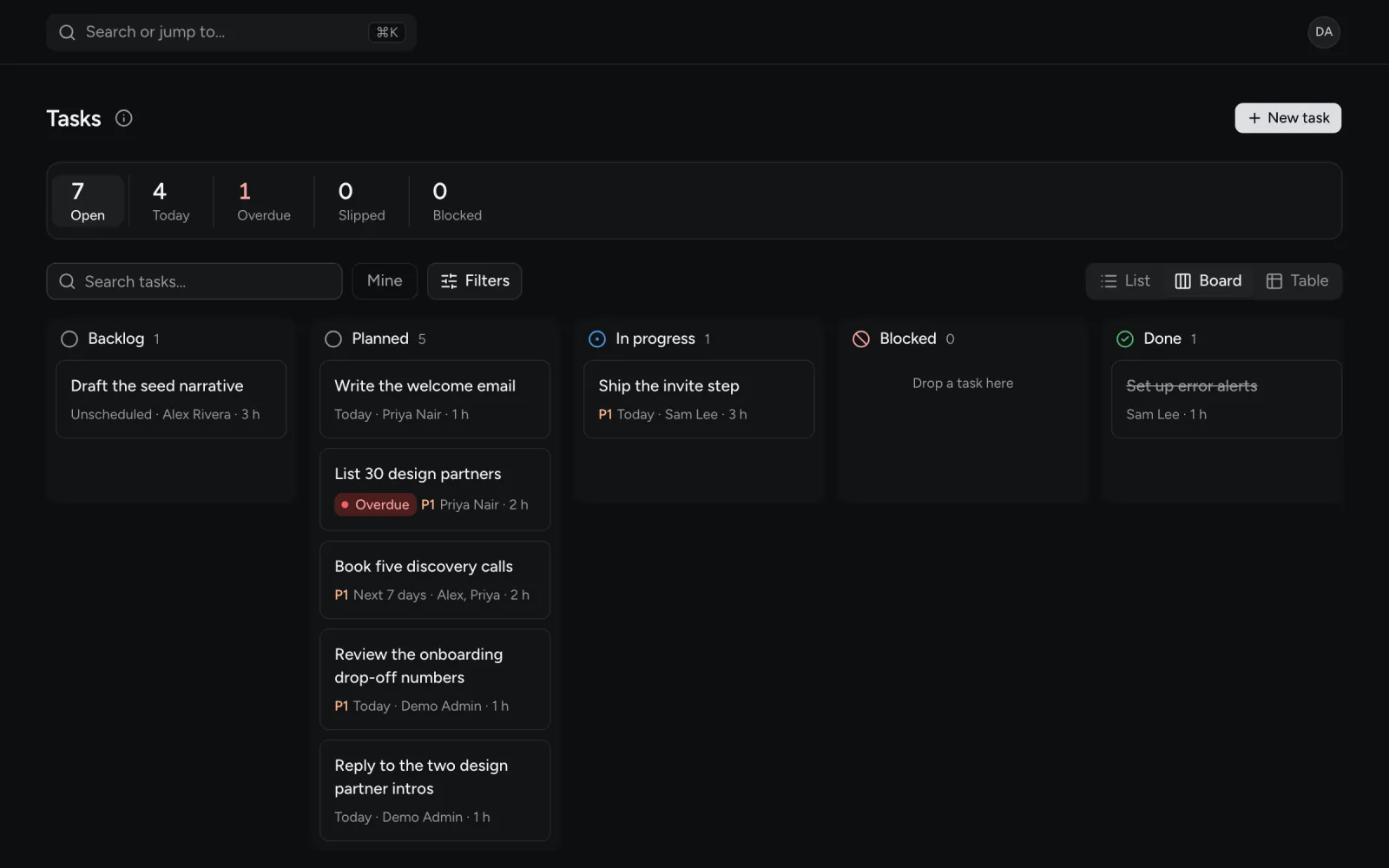
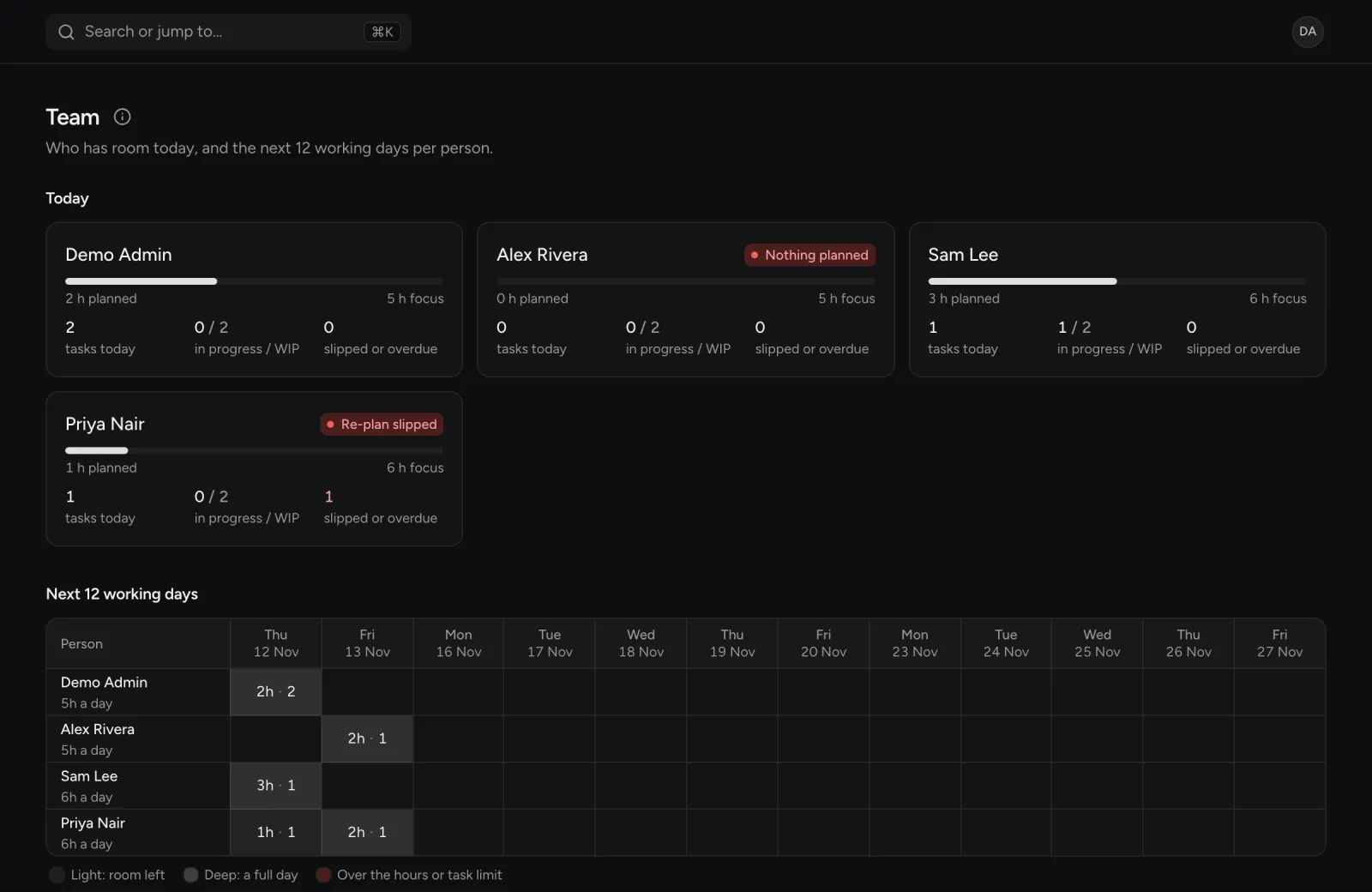
Pick an area. This is the real app, filled with a demo startup's data.
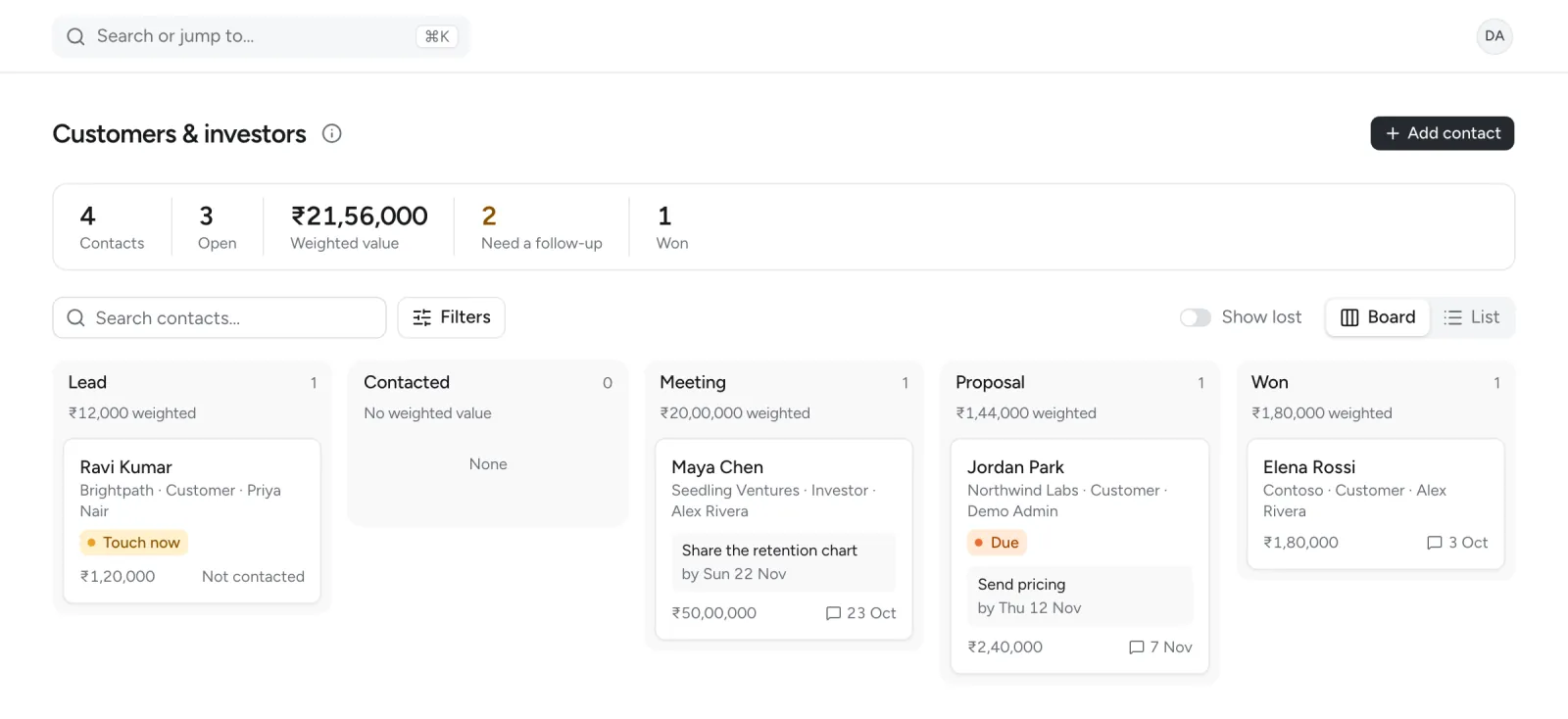
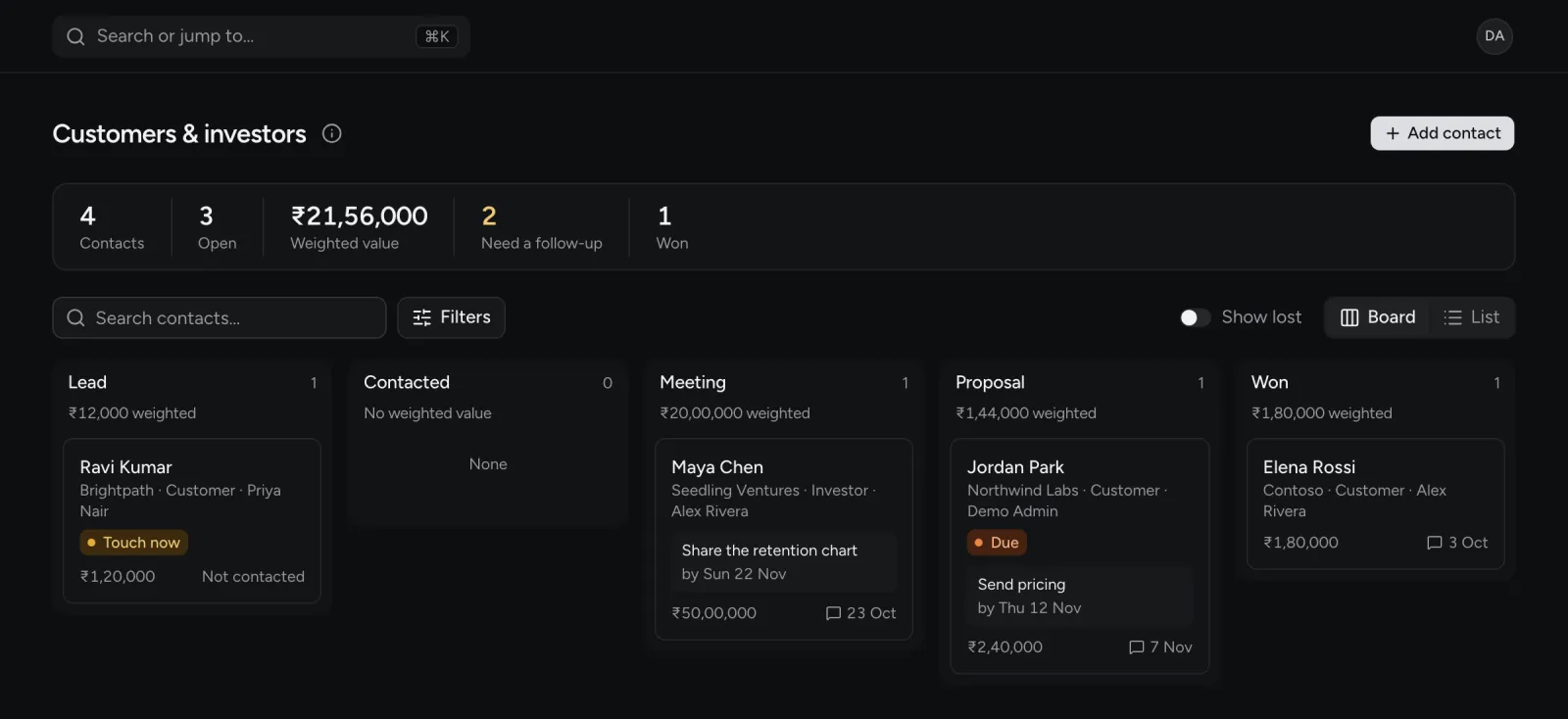
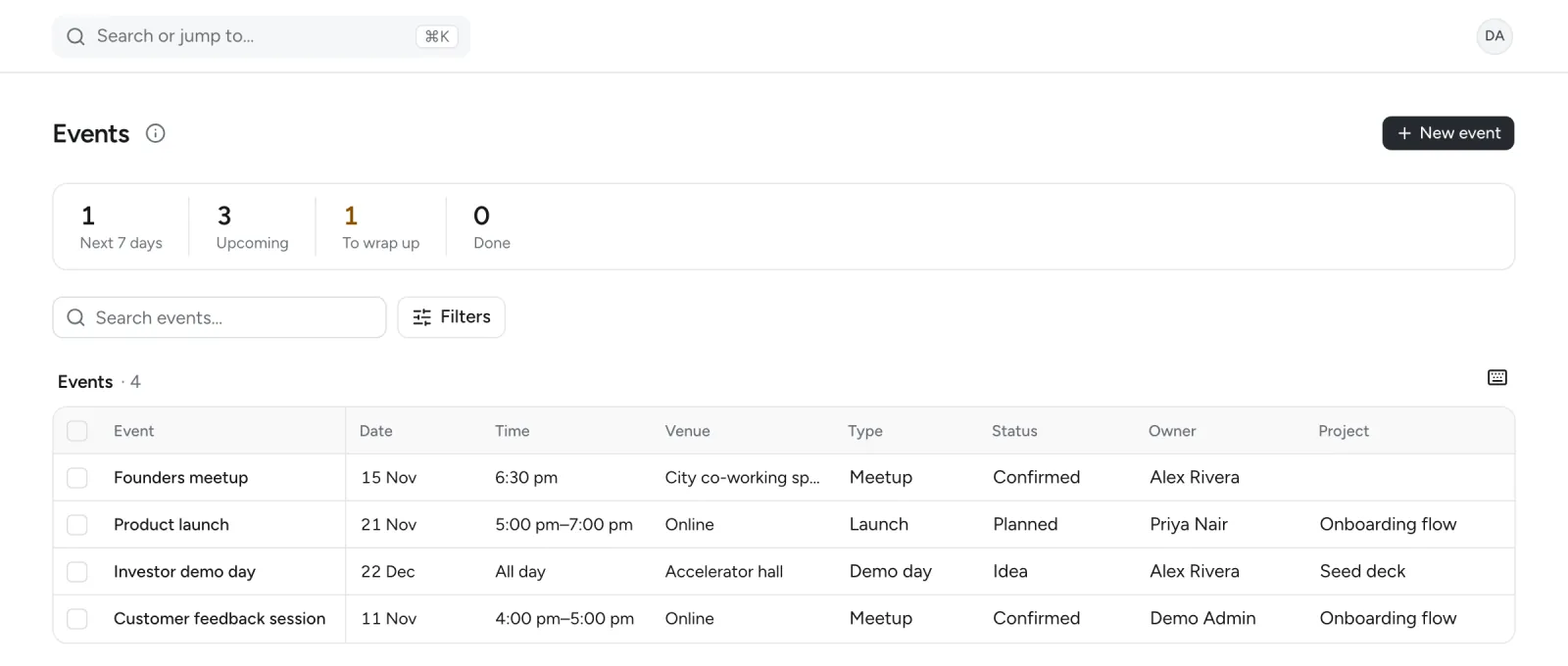
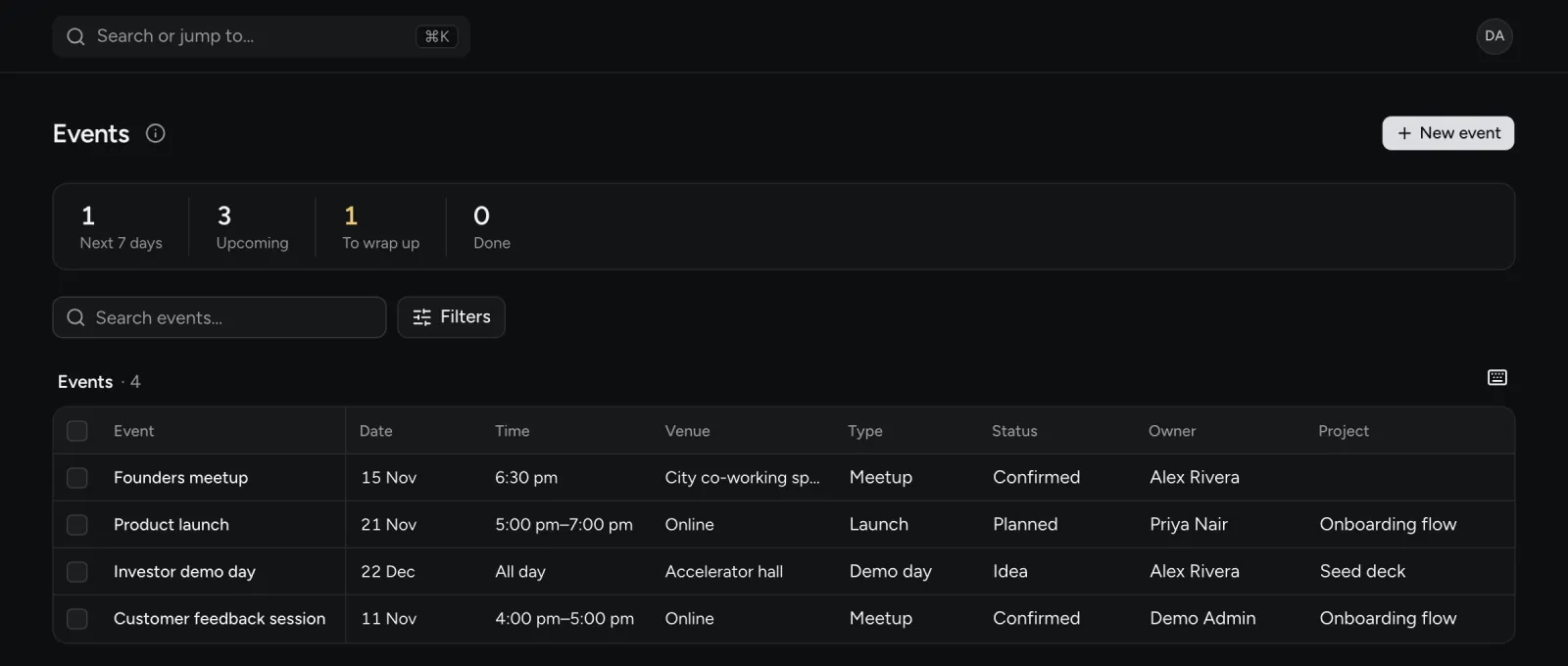
Make it yours
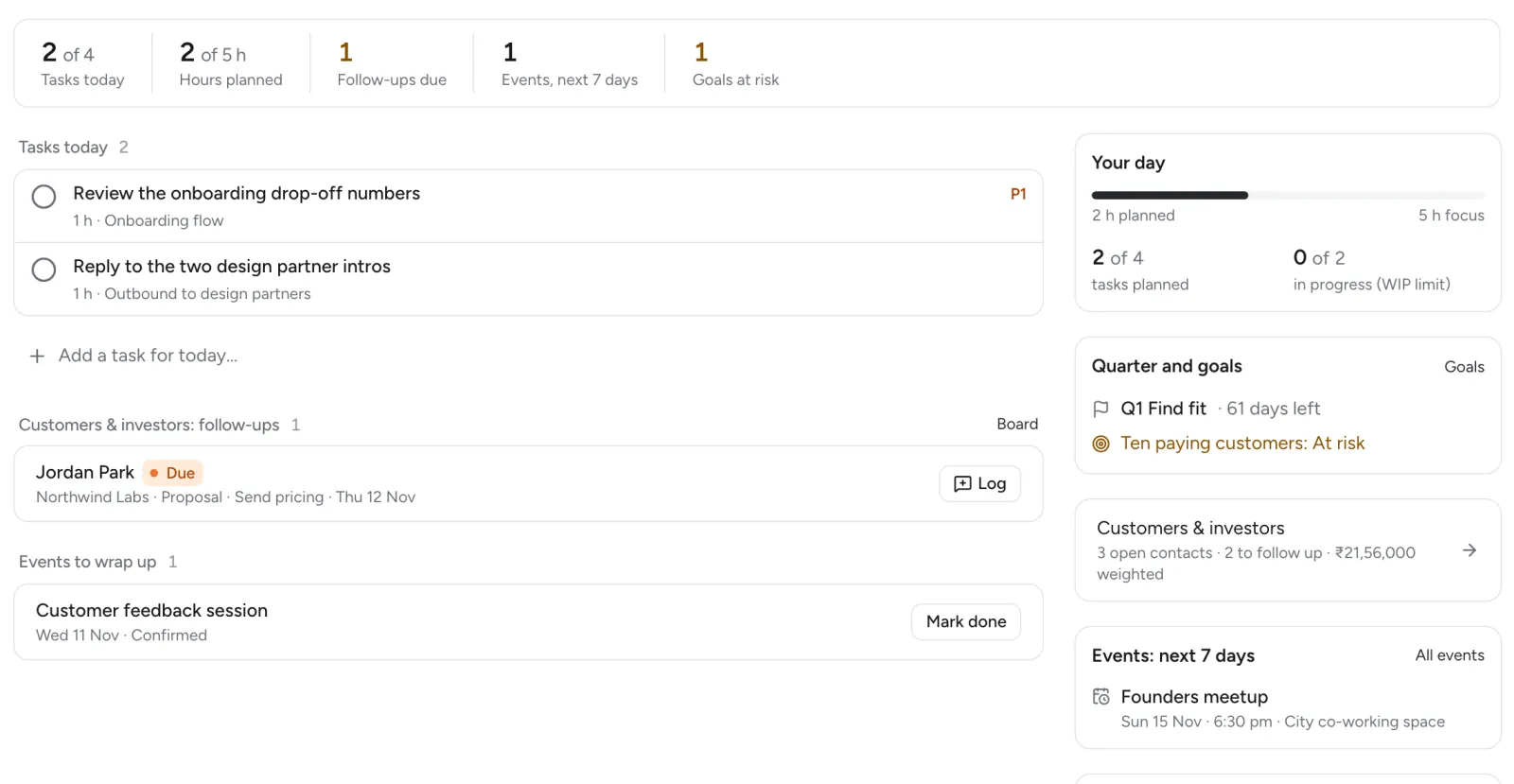
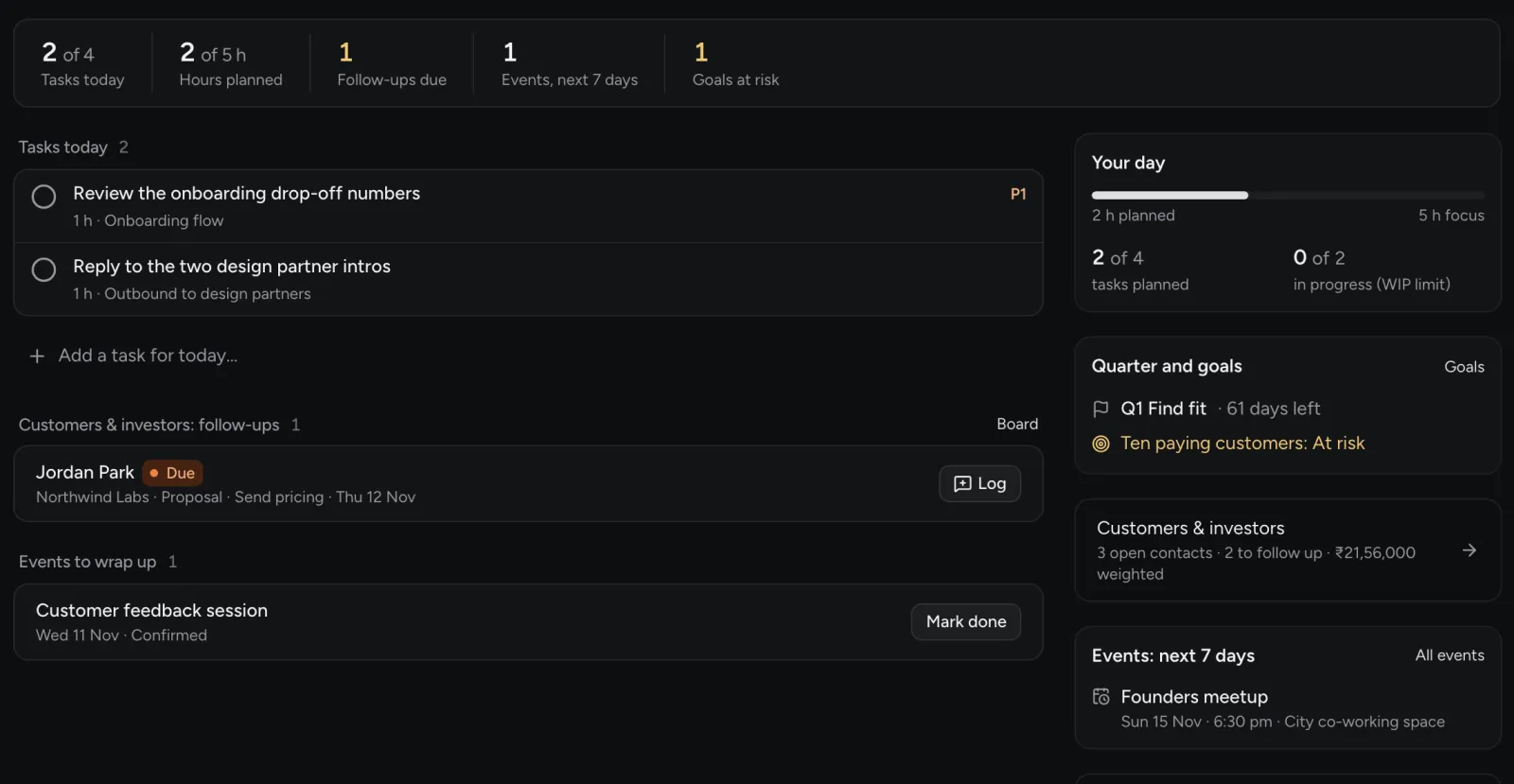
Speaks your team's language
A startup has quarters and investors. A club has semesters and sponsors. Pick your kind of team and watch Teamloft change its words, lists and stages. Then rename anything.
- Today
- Goals
- Customers & investors
- Events
- Budget
- Docs
- Dashboard
This quarter
Q1 Find fit
Goals
- Ten paying customers
- Weekly active teams
Customers & investors stages
- Lead10%
- Contacted20%
- Meeting40%
- Proposal60%
- Won
- Lost
Roles
Founder, Engineer, Design, Growth
Events
Launch, Meetup, Demo day, Conference
The details
Fast to use, pleasant to live in
Change things where you see them
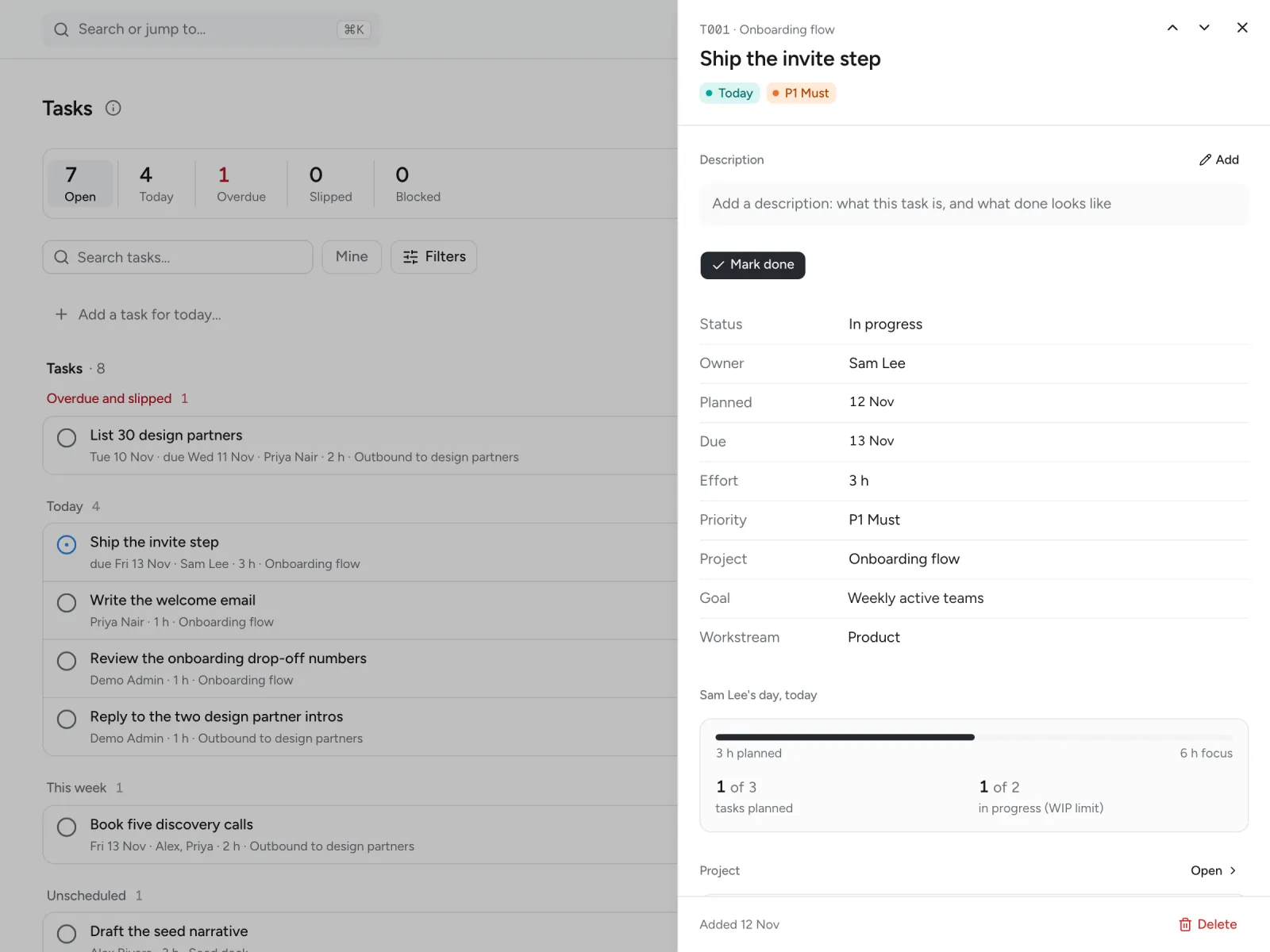
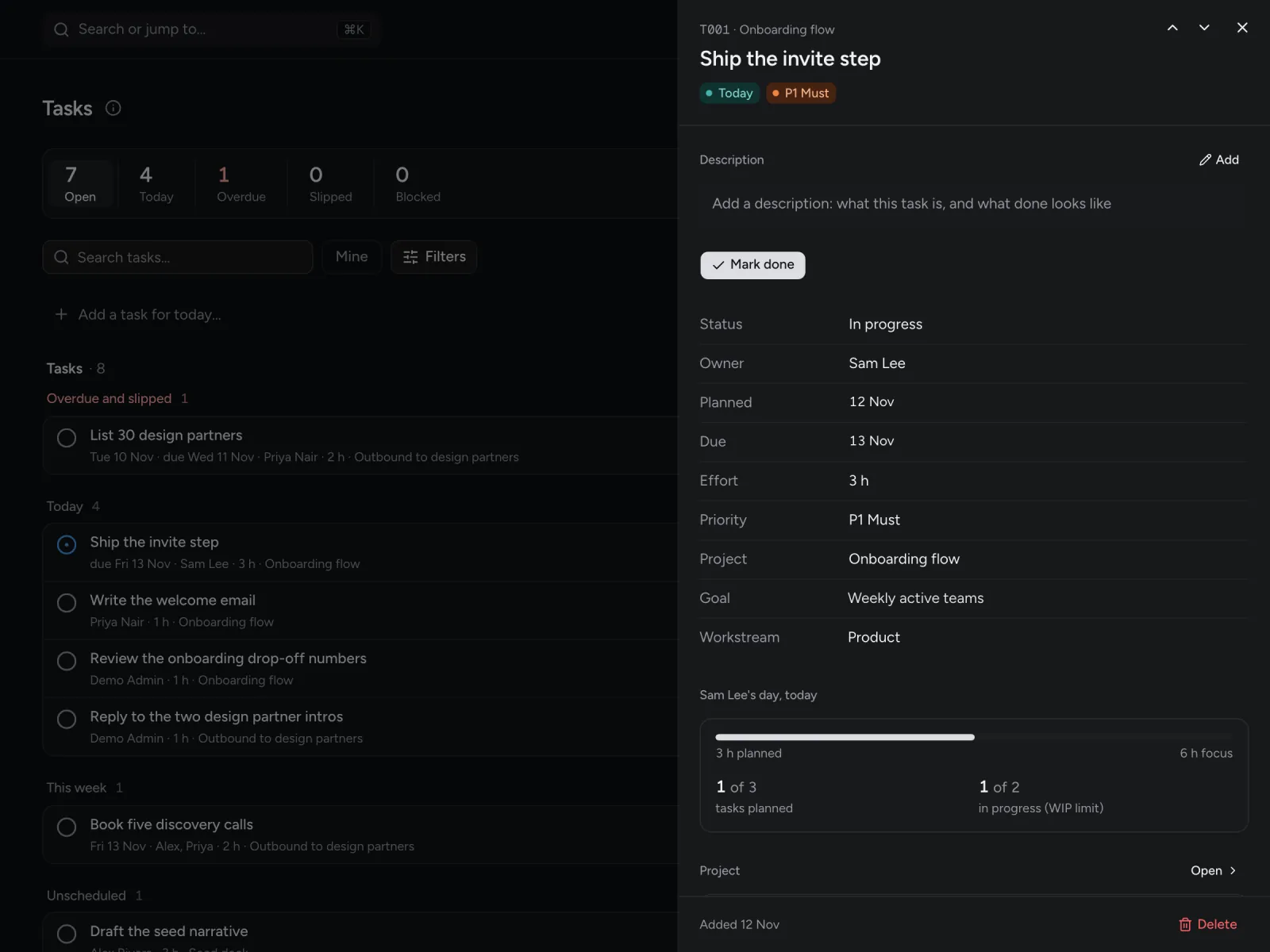
Every record opens in the same side sheet. Tables edit like a spreadsheet. Fewer forms, fewer clicks.
⌘K for everything
Search, jump anywhere or add a task without leaving the keyboard.
Search or jump⌘KNew taskNLog a callLNew eventENew budget entryMGo to TodayGTBulk edits
Select rows, shift-click a range, change them all at once.
Undo
Changed something by mistake? Undo it from the toast.
Great on a phone
A bottom bar, cards instead of tables, full-screen sheets.
Your currency, written your way
Any currency. Rupees group in lakhs.
- ₹12,50,000
- $1,250,000
- €1,250,000
- £1,250,000
Light, dark and seven accents
Each person picks their theme, accent, text size and density.
- Graphite
- Teal
- Indigo
- Violet
- Rose
- Amber
- Green
Workspaces
Every team gets a room of its own
Teamloft hosts many teams side by side. Each gets its own private workspace with its own words and data.
Private to your team
Only the people you add can see your plans, contacts and numbers.
Admins and members
Everyone plans the work. Admins manage people, lists and settings.
One login, many teams
Belong to a startup and a club? Switch between them in one click.
How it works
Up and running before your next meeting
Step 1: Sign up
Create your account and name your workspace.
Step 2: Pick your kind of team
Startup, club or department. Add example data to look around first.
Step 3: Bring your team
Add teammates, set this term's goals and plan the first week.
FAQ
Questions, answered
Who is Teamloft for?
Small teams that have outgrown spreadsheets and chat threads: an early-stage startup, a student club or competition team, or a college department running seminars, placements and industry partnerships.
Can we change the words and lists?
Yes. The profile is only a starting point. Rename phases, goals, projects, the pipeline and events, edit every list (including pipeline stages and their odds), and switch off what you don't use.
Can other teams see our data?
No. Each team works in its own private workspace, and only the people you add can sign in to it.
Does it work on a phone?
Yes. Every page works at phone width with a bottom navigation bar; tables turn into cards and records open full screen.
Can I try it with example data?
Yes. When you set up a workspace, tick the option to add example data: a made-up team with a plan, a pipeline, events and a budget, in your profile's words.
Give your team one place to run from
Set up a workspace, pick your kind of team and plan your first week today.
- Three profiles to start from
- Example data to look around
- Private to your team